
How to Know If You've Been Blocked on WhatsApp
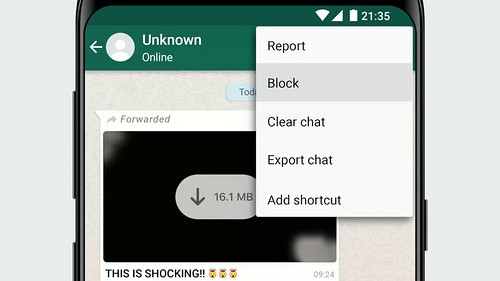
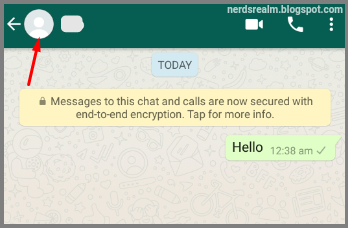
There are a couple of indicators that you may be blocked on WhatsApp: You can no longer see a contact's last seen or online in the ch...
Read Guide →Tech Answers. Plain & Simple.
Step-by-step guides for Gmail, Office, Windows, iPhone & more — written so anyone can follow along.
There are a couple of indicators that you may be blocked on WhatsApp: You can no longer see a contact's last seen or online in the ch...
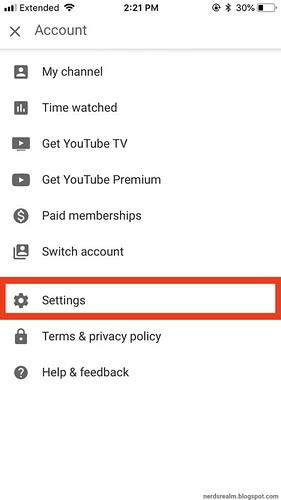
Read Guide →The YouTube app for iOS allows you to enable and/or disable dark mode on your iPhone, iPad or iPod touch, and here are the steps you can ...
Read Guide →Dark mode allows you to change the color theme of WhatsApp from white to black and can be enabled or disabled in your device settings or ...
Read Guide →
Sometimes you don’t want to be disturbed by email notifications from the Microsoft Outlook app on your phone, such as when you are in a meet...
Read Guide →If your iPhone is running iOS 11, you can turn off your iPhone in the Settings app. Step 1: Go to Settings -> General and scroll all the...
Read Guide →
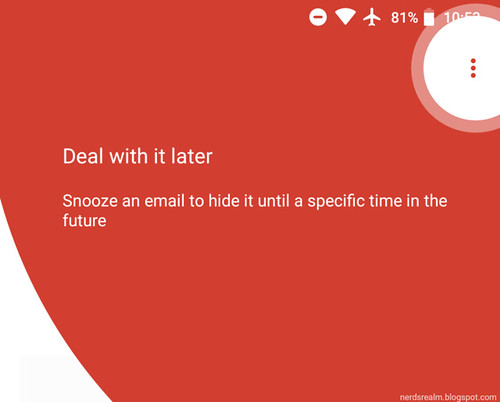
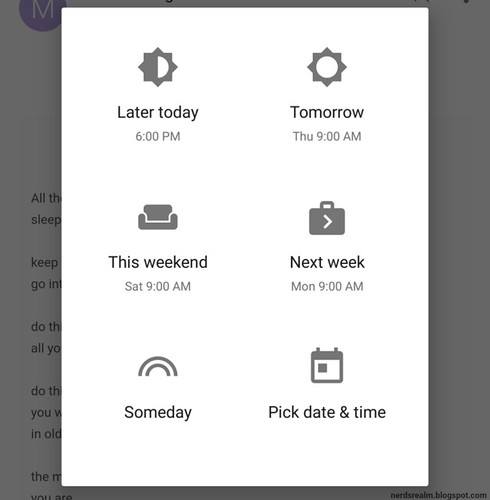
Step 1: On your Android phone or tablet, open the Gmail app Gmail. Step 2: Open an email. Step 3: In the top right, tap More icon with thre...
Read Guide →Twitter is rolling out the ability for users to limit who can reply to their tweets. Step 1: Open Twitter on your phone or desktop. Step 2...
Read Guide →Taking a screenshot with the iPhone is a very easy task. These instructions can be used to take a screenshot on all iOS devices. Any mo...
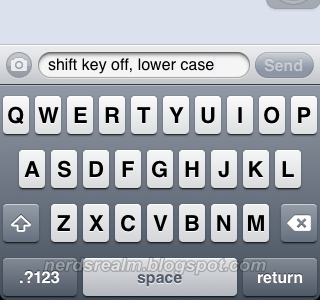
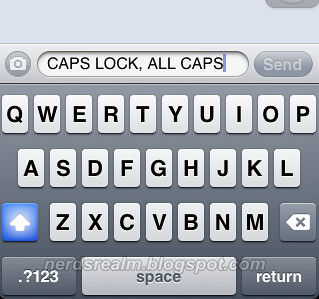
Read Guide →Are you confused by the keyboard changes in from iOS 5 to iOS 7.1? Here's how to tell if the Shift key or the Caps Lock key is on o...
Read Guide →