
How to Know If You've Been Blocked on WhatsApp
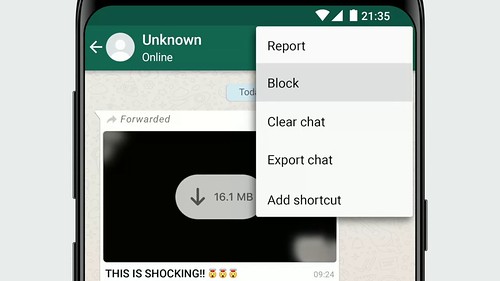
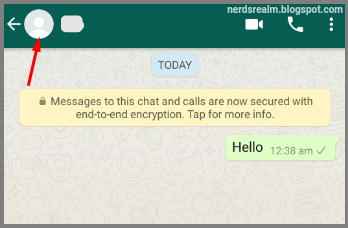
There are a couple of indicators that you may be blocked on WhatsApp: You can no longer see a contact's last seen or online in the ch...
Read Guide →Tech Answers. Plain & Simple.
Step-by-step guides for Gmail, Office, Windows, iPhone & more — written so anyone can follow along.
There are a couple of indicators that you may be blocked on WhatsApp: You can no longer see a contact's last seen or online in the ch...
Read Guide →WhatsApp on Android and iPhone directly integrates with your contact book. As long as a contact is on WhatsApp, they’ll show up in the app...
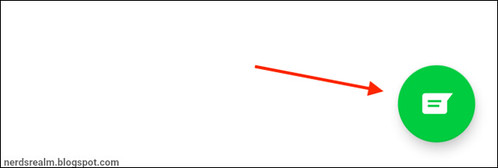
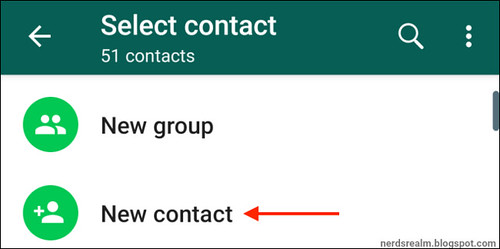
Read Guide →Step 1: Open WhatsApp. Step 2: Go to the Chats tab. Step 3: Tap New Message icon on top-right corner. Step 4: Tap New Contact. ...
Read Guide →Dark mode allows you to change the color theme of WhatsApp from white to black and can be enabled or disabled in your device settings or ...
Read Guide →Dark mode allows you to change the color theme of WhatsApp from white and green to more subtle shades of black and gray. This produces le...
Read Guide →