How to Turn Your iPhone Off and On Without Using the Power Button
If your iPhone is running iOS 11, you can turn off your iPhone in the Settings app. Step 1: Go to Settings -> General and scroll all the...
Read Guide →Tech Answers. Plain & Simple.
Step-by-step guides for Gmail, Office, Windows, iPhone & more — written so anyone can follow along.
If your iPhone is running iOS 11, you can turn off your iPhone in the Settings app. Step 1: Go to Settings -> General and scroll all the...
Read Guide →
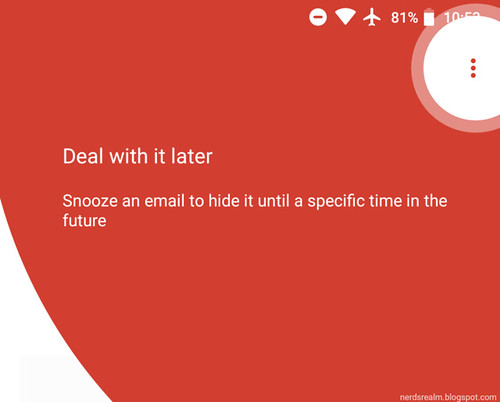
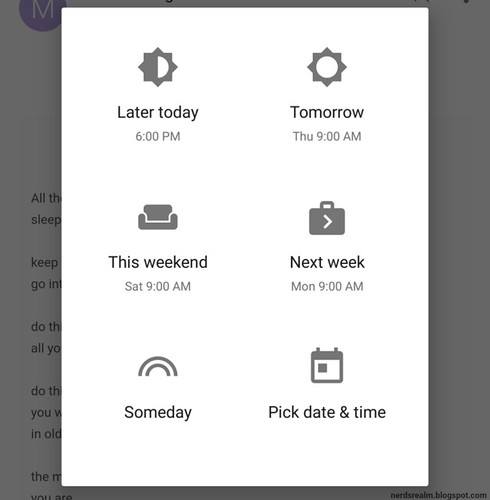
Step 1: On your Android phone or tablet, open the Gmail app Gmail. Step 2: Open an email. Step 3: In the top right, tap More icon with thre...
Read Guide →Now seems about the best time to teach you how to properly clean and sanitize your smartphone, as the spread of the COVID-19 coronavirus hei...
Read Guide →
Tweets can now be scheduled in advance when composing a tweet on the web based version on Twitter. Schedule a tweet for later. Follow the b...
Read Guide →Please note: Inserting a form is only available to Office 365 Education and Microsoft 365 Apps for business customers with version 1807 (Bui...
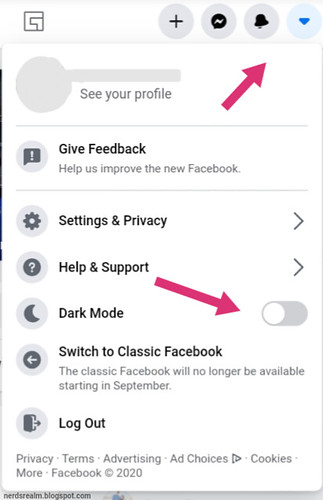
Read Guide →Facebook is finally enabling desktop users to set the social network into Dark Mode to save your eyes when browsing late at night - and g...
Read Guide →Facebook's desktop website is getting a visual overhaul that almost everyone can access. Find out how to use this brand new, less clu...
Read Guide →
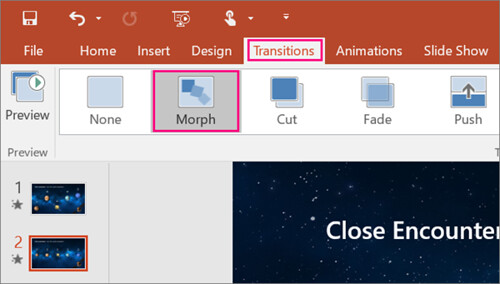
Office 2019 comes with several new features that customize the visuals of your projects. Office 2019 is only available for computers running...
Read Guide →Twitter is rolling out the ability for users to limit who can reply to their tweets. Step 1: Open Twitter on your phone or desktop. Step 2...
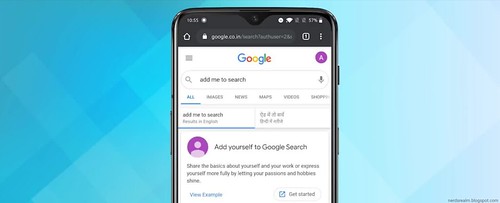
Read Guide →Google has launched a new feature called People Cards and it’s available only in India as of now. This allows you to create a virtual bus...
Read Guide →